Calendar
The calendar provides you with an at-a-glance view of upcoming tasks. Set the view to see any items that fall within the Day, Week, or Month.
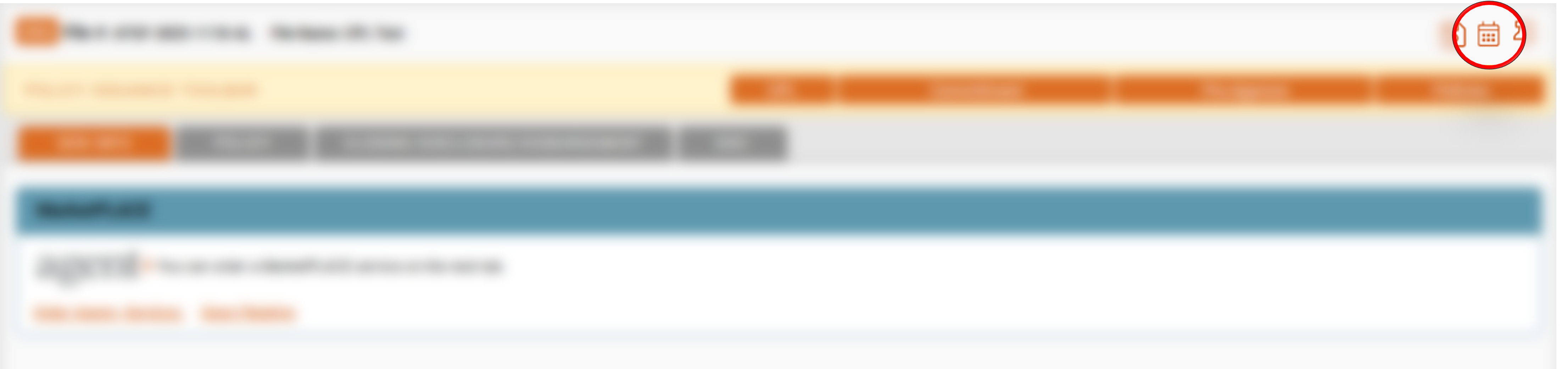
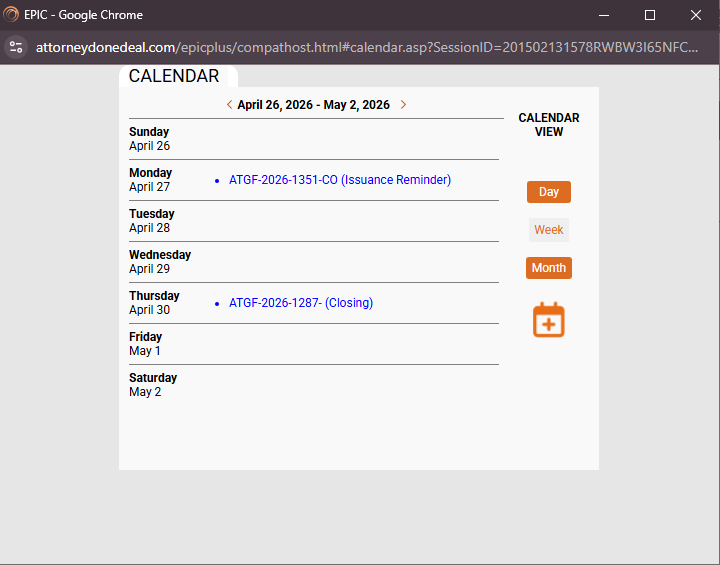
To access the calendar, open a file. Locate the calendar icon " " at the top-right of the PIT bar. A new window will display showing the calendar. By default the calendar opens on the weekly view.
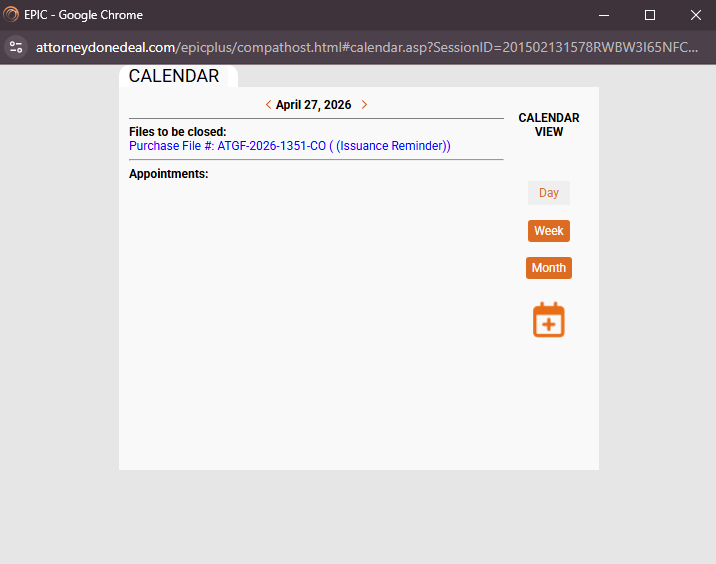
In the "Week" view, any important items that are due during the week will appear. You can quickly navigate to the file by clicking the hyperlink shown on that day's list. The day view works the same, except it only shows item for the selected day. Use the Date navigation at the top of the calendar to go back or advance forward in the days or weeks (based on the calendar view selected. The Month view works a little differently.
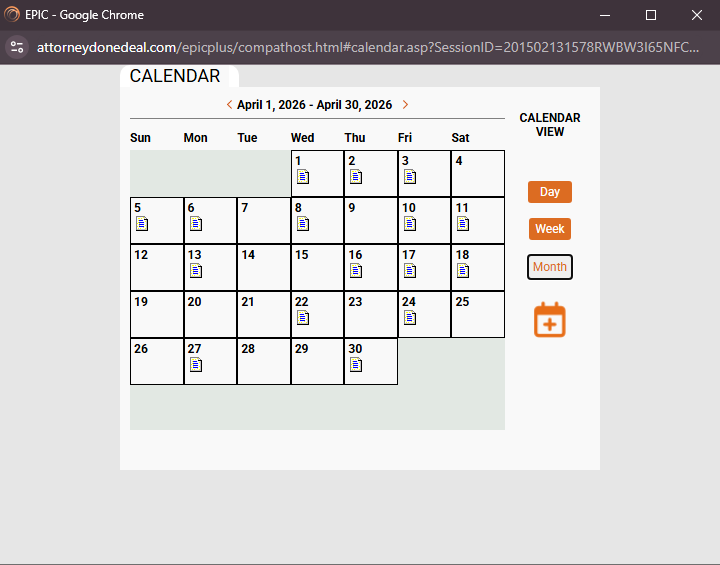
This view will show you the month at a glance with icons depicting days where items appear. Click the icon to navigate to that day's view. From there, you can select the items to open and reivew that file.